How Big Do Diamonds Look In Real Photos?
By Josh Allen, Co-Founder of YourDiamondGuys.com. Fifth generation diamantaire with 30+ years in the global diamond trade. Former supplier to Tiffany & Co., Cartier, and Harry Winston.
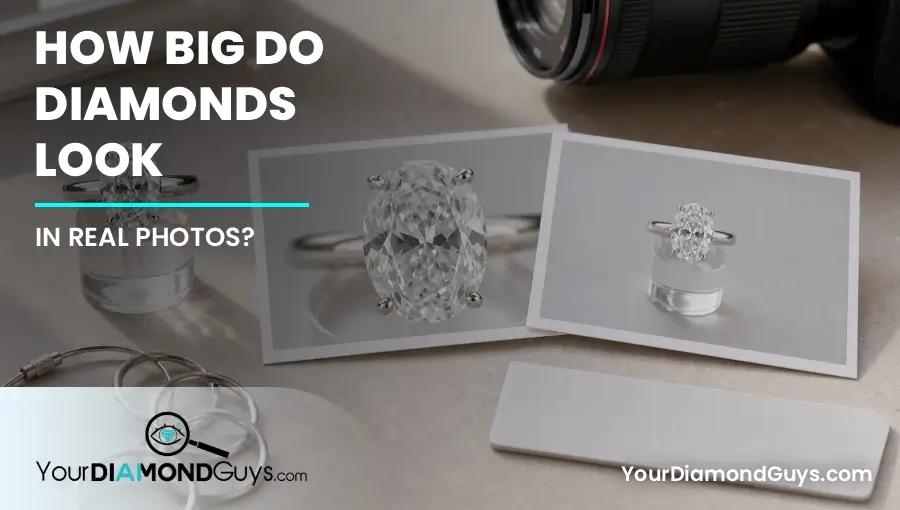
Here is the photo warning, real diamond photos help a lot, but camera angle can lie almost as much as a bad carat filter.
Photos are useful.
They are not neutral.
Ring size, hand shape, camera distance, lens angle, lighting, and setting style all change how big the diamond looks.
For natural diamonds, I start with GIA because the report gives you the carat weight, measurements, and first facts worth checking before you compare stones.
I have seen the same ring look modest in one photo and massive in another. The diamond did not change. The camera did.
How This Fits Your Buying Decision
This is the visual proof layer inside the diamond carat size and finger coverage guide. Use it to compare photos, measurements, and videos without letting camera angle make the decision.
What A Good Reference Photo Shows
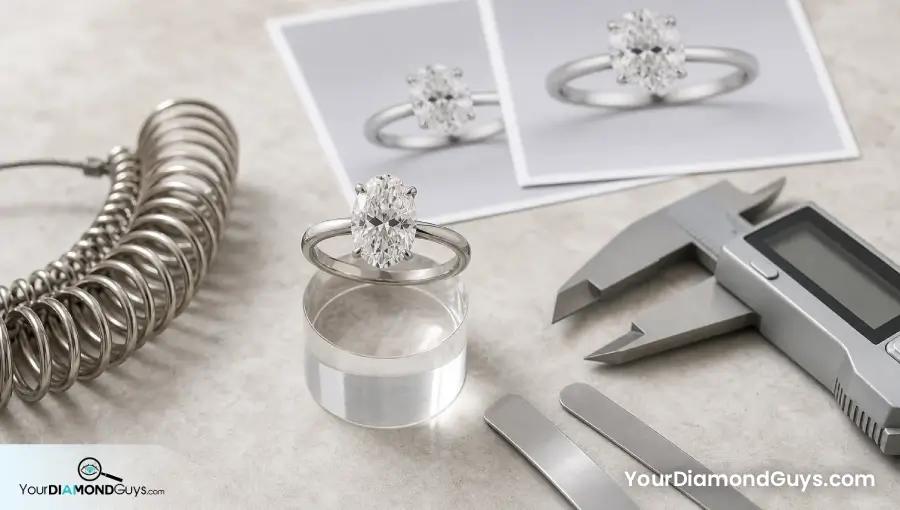
A useful reference photo shows the carat weight, shape, millimeter measurements, ring size, band width, and normal hand angle.
Without those details, the photo is inspiration, not evidence.
What Makes Photos Misleading
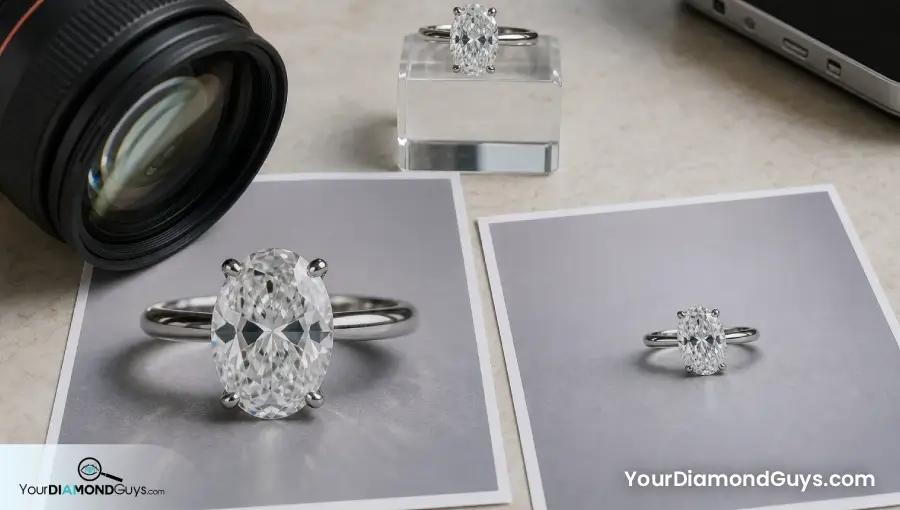
Close camera distance makes diamonds look larger. Wide angle phone shots can stretch fingers. Jewelry store lighting makes everything look brighter.
A tilted hand can make an elongated diamond look longer than it feels in real life.
| Photo Factor | How It Changes Size | Buyer Move |
|---|---|---|
| Close camera | Makes diamond look bigger | Ask for normal distance |
| Tilted hand | Stretches elongated shapes | Compare straight top view |
| Strong lighting | Boosts sparkle and outline | Check normal room light |
| Tiny ring size | Makes center look larger | Match ring size when possible |
| Thin band | Makes center pop | Note band width |
The Right Gallery Data
A proper reference gallery should show shape, carat, millimeters, ring size, band width, setting type, and photo angle.
That lets buyers compare real visual coverage instead of guessing from a pretty image.
Use Photos With Measurements
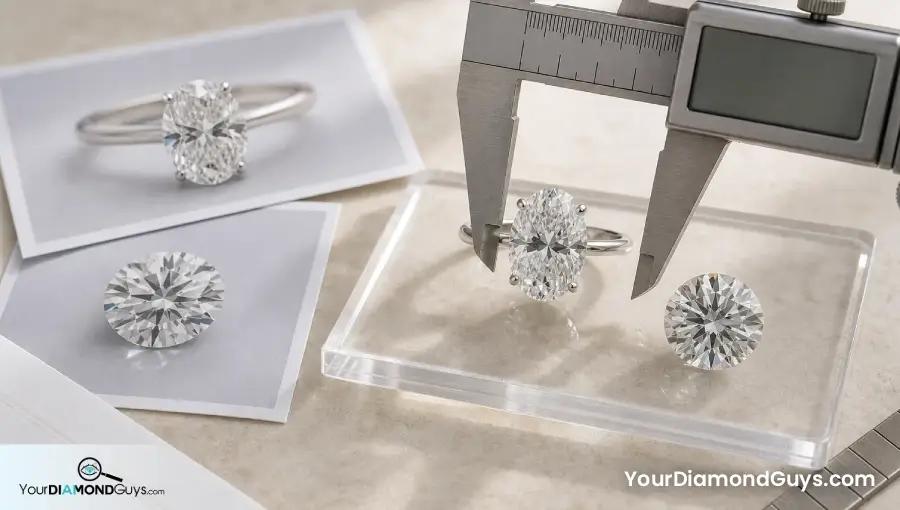
The photo tells you feel. The report tells you facts. You need both.
Use the diamond size chart by shape beside real photos so you can connect visual size to actual measurements.
Video Beats One Perfect Photo
A single photo can catch the best angle. Video shows proportion, bow tie, sparkle, and how the ring behaves as it moves.
For elongated shapes, I trust video more than a hand photo.
The Photo Proof Shortlist
I would shortlist reference photos only when the photo gives context. Ring size, diamond measurements, band width, and normal distance matter. Without those, the image is still useful for taste, but it is not proof of how the diamond will look on your hand.
The best comparison uses photos and videos together. Photos show style and scale. Videos show the actual diamond. The report gives the measurements. When all three agree, the buyer can trust the visual direction.
I also want at least one boring photo. Normal room light, normal distance, no dramatic hand angle. Boring photos are useful because they show whether the size still works when the camera stops helping.
This page works best after the best size by ring size guide and the round vs oval size comparison. Those guides tell you what you are supposed to verify in the photo.
A Real Photo Example
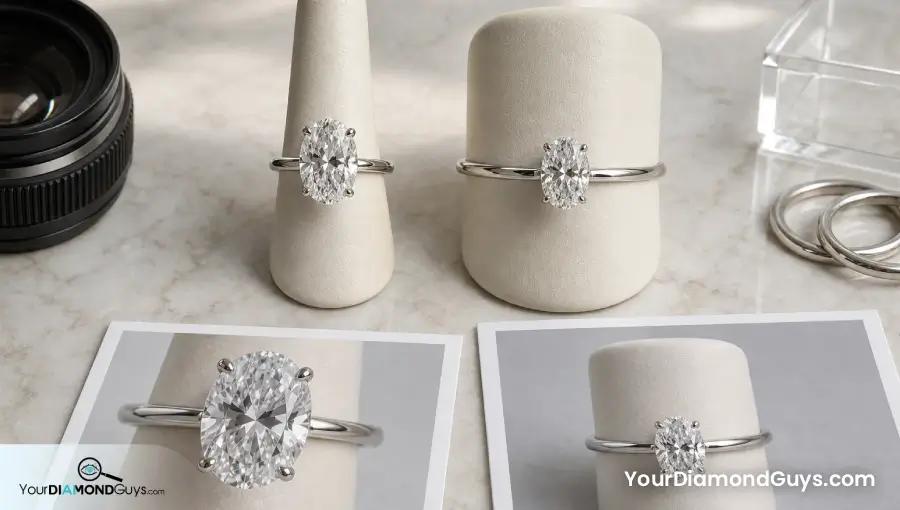
A 1.50 carat oval on a size 4.5 finger in a close phone photo can look huge. The same oval on a size 7 finger from normal distance can look balanced.
Both photos are real.
Only one helps you predict your ring if your finger size and hand shape match it.
Photo Mistakes I Would Avoid
- Do not copy a ring photo without knowing ring size.
- Do not judge diamond size from a close camera angle.
- Do not trust showroom lighting alone.
- Do not ignore band width and setting height.
- Do not use one photo instead of measurements and video.
Questions To Ask About Reference Photos
- What is the ring size in the photo?
- What are the diamond shape, carat, and millimeters?
- What is the band width?
- Was the photo taken at normal hand distance?
- Can I see video in normal lighting?
Where To Compare Real Visual Size
Use live listings as comparison tools, not automatic recommendations. I would compare similar stones on Ritani and Brilliant Earth, then judge each diamond by the shape, carat, measurements, video, ring style, and visual coverage. If the stone does not earn it, the link does not save it.
My Buyer Recommendation
Use photos for feel and measurements for truth.
A good buying decision connects the ring photo, the report, the video, and the hand that will actually wear it.
Reach out to Rob or me at YourDiamondGuys.com, or book your free consultation. We will look at the actual stone with you. No sales pitch.
Why Diamond Diameter Matters More Than Carat Weight
Questions? Reach out directly for a free consultation, or drop them in the Diamond Buyers Academy community — Rob and Josh answer personally.
Questions Buyers Ask Us
More Diamond Size Guides Worth Reading
These are the guides I would read next if you are still comparing size, shape, setting style, or value.
MM to Carat Size Chart
Check normal measurement ranges by shape before judging one listing.
Best Size by Ring Size
Translate carat and millimeters into real finger coverage on the hand.
Round vs Oval Size
Compare classic brightness against longer finger coverage and bow tie risk.
Best Size for Small Hands
Keep petite hand proportion, setting height, and shape balance honest.
Halo vs Solitaire Size
See when a setting adds visual spread and when it just adds maintenance.
*Some links on our site may earn us a small commission at NO EXTRA cost to you, helping us keep our content free*